July 27, 2026 · 4 min read
Appointment reminders over WhatsApp
Message ReminderIt to schedule a one-off appointment call for the day before or the morning of, then reschedule it by chat the moment your plans move.
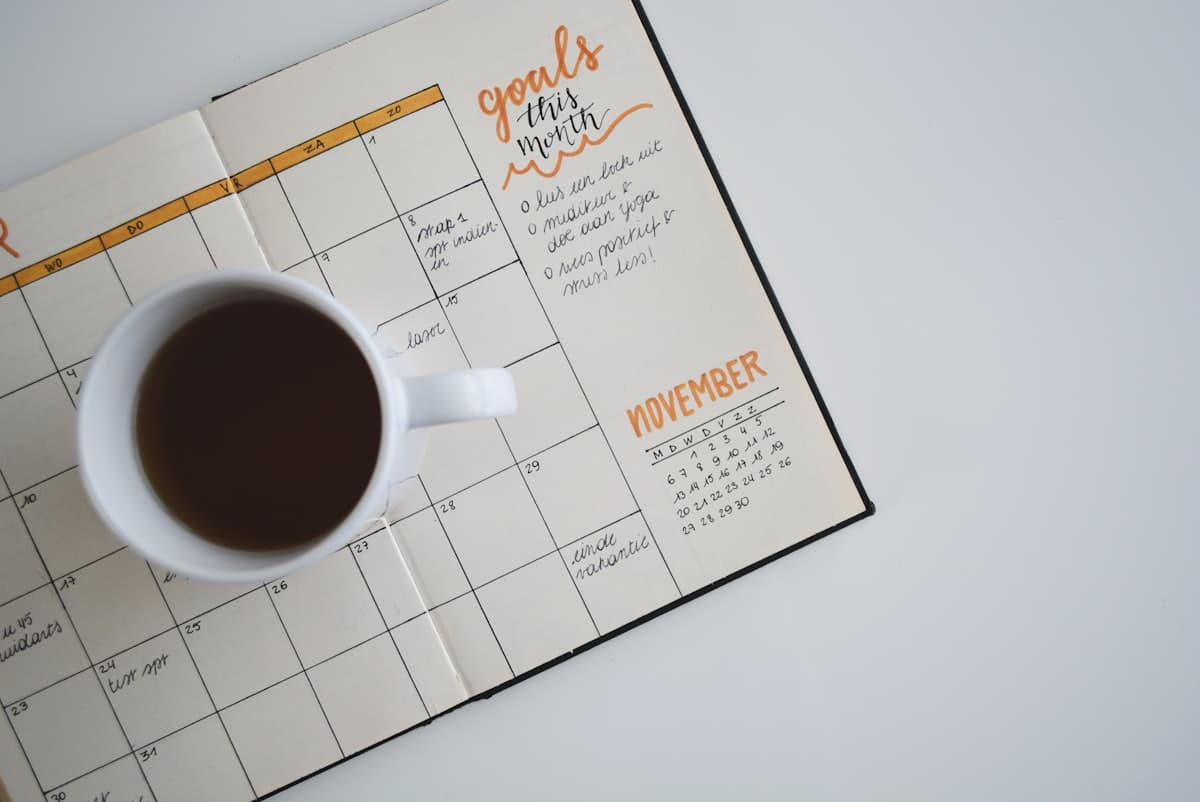
Appointments are the classic thing to forget, precisely because they are one-offs. There is no daily habit to lean on, just a single date sitting in the future waiting to catch you out.
A one-off reminder call is the fix, and you can arrange it from a WhatsApp chat in a sentence. Better still, when the appointment moves, as they do, you reschedule the call just as quickly.
One-off calls for one-off events
Unlike a medication routine, an appointment reminder is usually a single call tied to a specific date and time. You tell ReminderIt when to ring and what to say, and it schedules that one call.
When the moment arrives your phone rings and the reminder is read aloud, and a WhatsApp message with the same reminder lands in the chat, giving you a clear prompt with enough time to get where you need to be. If you miss the call, the message is still there and ReminderIt rings once more about five minutes later.
Day-before or morning-of
The most useful timing is usually a nudge the day before, so you can prepare, plus or instead a call on the morning of. You can ask for either, or both, in the same message.
For example, a reminder the evening before a dentist visit gives you time to rearrange your day, while a morning-of call makes sure it does not slip your mind in the rush. You decide the timing that suits the appointment.
Scheduling and adjusting by chat
Setting one up is a single plain-words message to ReminderIt on WhatsApp at +1 478-606-1901 (https://wa.me/14786061901), and it confirms the date, time and wording back to you. No forms, no app, no fixed command syntax. Got an appointment card? Send a photo of it and ReminderIt turns it into a reminder for you to confirm.
Rescheduling is where the chat really earns its place. When the surgery calls to move your slot, you just tell ReminderIt the new time and it shifts the reminder. You can cancel outright just as easily, or say "list" to see everything you have set.
A quick example
Booking and then moving a reminder might look like this:
You: Remind me about my dentist appointment at 2pm on the 5th, call me at 9am that day and the evening before. ReminderIt: Set. I'll call at 6:00pm on the 4th and 9:00am on the 5th about your 2pm dentist appointment. You: They moved it to the 7th at 3pm. ReminderIt: Rescheduled, I'll now call the evening of the 6th and the morning of the 7th about your 3pm appointment.
Two messages, and both the reminder and its earlier nudge have moved to the new date without you touching anything else.
Put it to work
Filed under Health & appointments — browse all topics.
Related articles
Reminders that actually reach you
Text ReminderIt on WhatsApp. At the moment that matters you get the reminder on WhatsApp and as a real phone call. 7 days free, no card.
New to call-based reminders? Read the complete guide to reminders that actually work or see pricing.