June 13, 2026 · 4 min read
Never miss a bill again: a practical guide to avoiding late fees
Late fees almost always come from forgetting a date, not lacking the money. Here's a simple system to make sure that never happens.
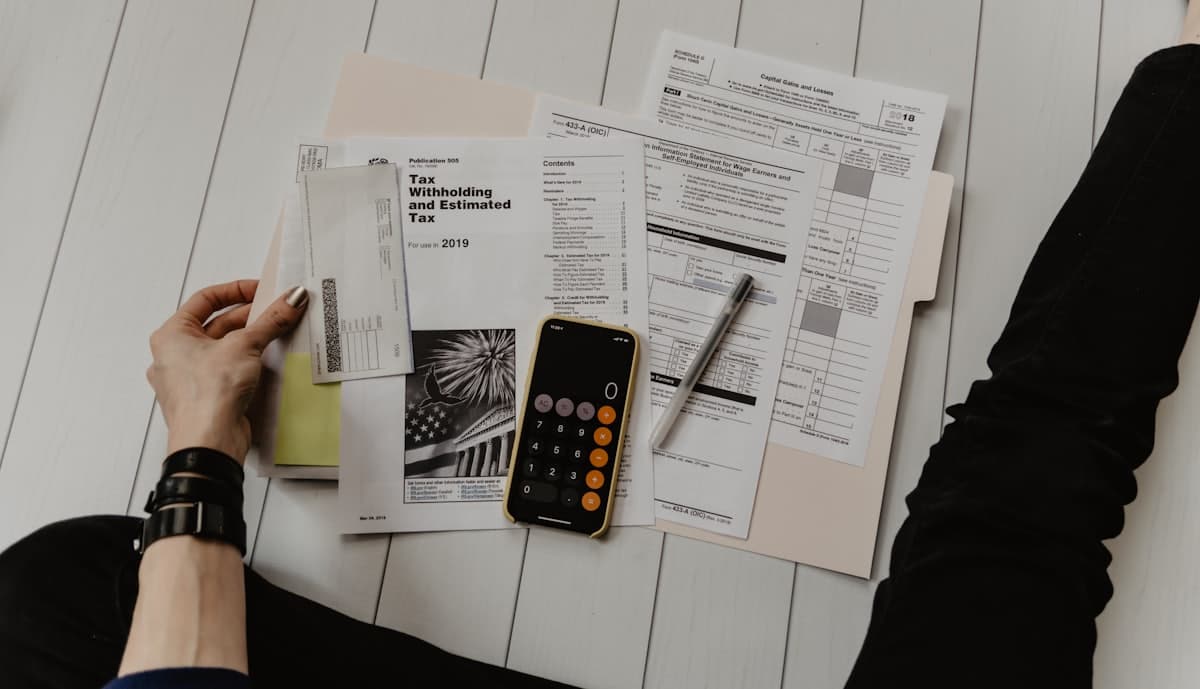
Late fees are uniquely frustrating because they're entirely avoidable — you had the money, you just forgot the date. A single missed credit-card payment can cost a late fee plus a jump in interest, and a missed utility bill can mean reconnection charges. The good news: never missing a bill is a solved problem once you stop relying on memory. Here's a simple system that does the remembering for you.
List every recurring bill and its date
Start by writing down each recurring bill, the day it's due, and roughly how much it is: rent on the 1st, credit card on the 15th, utilities, subscriptions, insurance. Most people are surprised how many there are once they're all in one place — and a few forgotten ones are usually where the late fees come from.
You only do this once. From here, the system runs itself.
Automate what you can, remind for the rest
Set up autopay for fixed, predictable bills where you trust the amount — it removes the date from your plate entirely. But autopay isn't right for everything: variable bills you want to review, accounts you'd rather pay manually, or anything where an unexpected charge could overdraw you. For those, you need a reliable reminder on the due date.
The combination — autopay for the safe ones, a reminder for the rest — covers every bill without surrendering control over the ones that matter.
Make the reminder one you'll act on
A due-date email gets buried; an app badge gets ignored. A reminder that actually prompts action is one that's hard to dismiss. A phone call on the due date that names the bill — 'time to pay your credit card' — is the nudge that gets you to open your banking app and clear it while it's top of mind.
Set a recurring reminder for each manual bill on its own date, and it fires every month at the right time, daylight-saving included. A WhatsApp message arrives at the same time with Done and Snooze buttons, and if you miss the call ReminderIt tries once more about 5 minutes later.
Build a small buffer
Remind yourself a day or two before the due date, not on it, so a busy day or a slow bank transfer doesn't push you past the deadline. A tiny buffer turns 'paid just in time' into 'paid, done, forgotten' — and that's the whole point. Set it up once, and late fees simply stop happening. To start, message ReminderIt on WhatsApp at https://wa.me/14786061901 and say it in plain words: "Call me on the 13th of every month at 9am to pay the credit card."
Put it to work
Filed under Bills & deadlines — browse all topics.
Related articles
Reminders that actually reach you
Text ReminderIt on WhatsApp. At the moment that matters you get the reminder on WhatsApp and as a real phone call. 7 days free, no card.
New to call-based reminders? Read the complete guide to reminders that actually work or see pricing.