July 27, 2026 · 4 min read
Appointment reminder calls with ChatGPT
A day-before and a morning-of call is the pattern that stops no-shows. Here is how to set both from ChatGPT in one message.
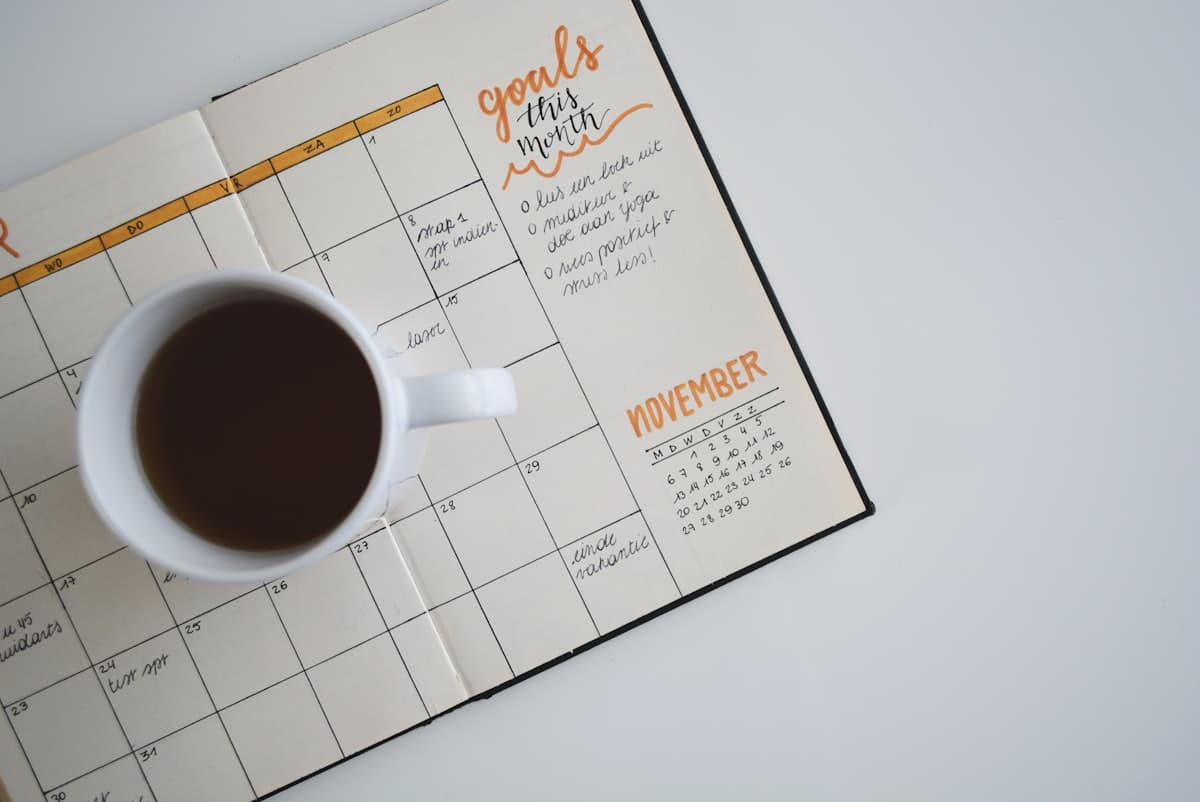
Most missed appointments are not due to not caring; they are due to a reminder arriving at the wrong time or not at all. Two well-placed phone calls fix that: one the day before to prepare, one on the morning of so it is fresh in mind.
This guide shows how to set both one-off calls through ChatGPT for any appointment, using the exact date and time rather than a repeating schedule.
Why two calls beat one
A single reminder has to land in a narrow window to be useful. Two spread the risk. The day-before call gives you time to rearrange your day, arrange transport or gather documents; the morning-of call catches you before you get swept up in everything else.
For appointments that are easy to forget entirely, this pairing is far more reliable than a single nudge that might arrive while you are distracted.
One-off calls, not a recurring schedule
An appointment happens once, so these are one-off reminders rather than cron schedules. ChatGPT sets the reminder type to a single run and provides a specific run_at date and time in ISO 8601, in your named zone.
That means you give it real dates: "the 12th at 6pm" and "the 13th at 8am", not a repeating pattern. Each becomes its own call that fires once and is done.
Always name the zone
As with any ReminderIt call, the zone decides whether it lands correctly. Say "America/New_York" or "Europe/London" alongside the time so the morning-of call does not arrive an hour out.
If you only give a date and time, let ChatGPT ask which zone before it creates anything. A quick confirmation is cheaper than a mistimed reminder for something that matters.
Example: a day-before and morning-of pair
Type: "I have a dentist appointment on the 13th at 9am America/New_York. Call me at 6pm the day before to prepare, and at 7:30am on the day." ChatGPT makes two create_reminder calls, each a one-off with a run_at of the 12th at 18:00 and the 13th at 07:30 in America/New_York.
Confirm with "show my upcoming calls" so ChatGPT runs list_upcoming and both appear at the right times. If plans change, ask it to update or cancel; it will use update_reminder or delete_reminder as needed.
If you are away from your phone
The scheduled call is one-way: it rings and reads your appointment details aloud, with nothing to press during the call itself. If you miss it, ReminderIt can fall back to a WhatsApp message so you still get the details.
You can also reschedule by messaging ReminderIt on WhatsApp in plain text afterwards, which is free and unmetered.
Put it to work
Filed under Health & appointments — browse all topics.
Related articles
Reminders that actually reach you
Text ReminderIt on WhatsApp. At the moment that matters you get the reminder on WhatsApp and as a real phone call. 7 days free, no card.
New to call-based reminders? Read the complete guide to reminders that actually work or see pricing.