June 25, 2026 · 5 min read
Remind It: How ReminderIt Compares to Google Assistant Reminders
When you search 'remind it', you're looking for something that reliably interrupts you at the right time. Google Assistant and phone call services work very differently — here's the honest comparison.
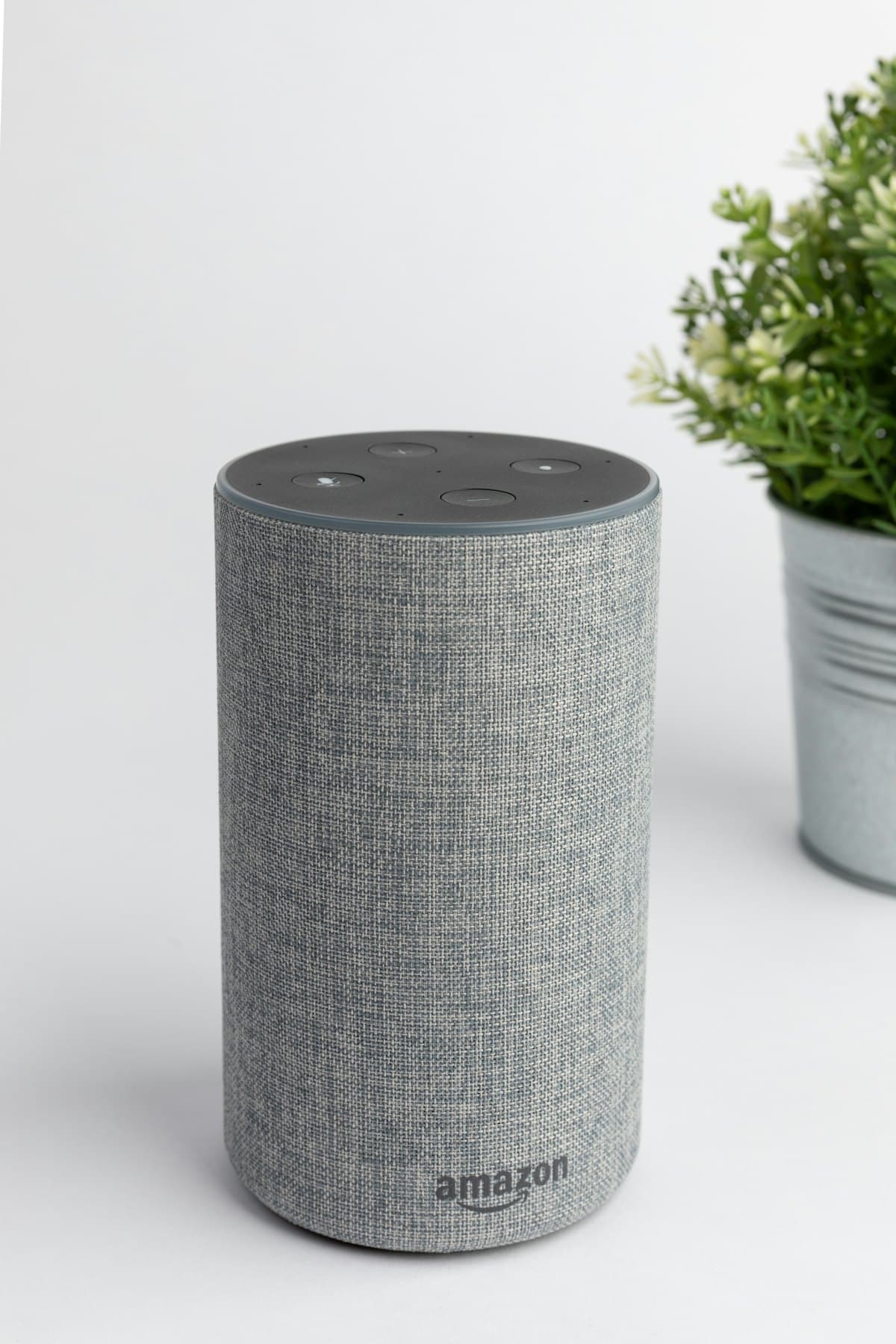
The phrase 'remind it' captures a specific need: a system that actively interrupts you at the right moment, rather than passively placing a notification you might scroll past. When comparing reminder services, the most important question isn't features — it's delivery reliability. Google Assistant and ReminderIt represent two fundamentally different philosophies on how reminders should work.
How Google Assistant reminders work
Google Assistant reminders fire as push notifications on your Android device or Google Home speaker. They appear in your notification shade, optionally play a short sound, and wait for you to acknowledge them. If your phone is on silent, the notification is silent. If your screen is off, you might not see it immediately. If you're in a call or app that suppresses notifications, it might not appear at all.
Google Assistant's strength is integration: it can set reminders from any Google surface, understands natural language ('remind me to call Mum at 3pm next Tuesday'), and syncs across all your devices. Its weakness is that it's fundamentally an app-layer notification — it competes with every other notification on your device for attention.
How ReminderIt 'remind it' calls work
ReminderIt delivers reminders via outbound phone calls. At your scheduled time, your phone rings — not as a notification, but as an incoming call using the telephony channel. When you answer, a clear voice reads your reminder message. You can confirm (press 1), snooze for 10 minutes (press 9), or let it retry automatically if you don't answer.
The key difference: phone calls use a different system stack than app notifications. On most phones, incoming calls ring even when Do Not Disturb is active, even when the phone is on silent, even when no app is running in the background. This makes them structurally more reliable for time-sensitive reminders.
When to use each
Google Assistant is better for: casual reminders you're likely to catch anyway (pick up milk, buy a birthday card), reminders triggered by location ('remind me when I leave home'), and natural language input across multiple devices.
ReminderIt is better for: medication where a missed dose has health consequences, wake-up calls where you're a heavy sleeper, caregiving scenarios where someone else needs to receive the call, reminders for people who aren't comfortable with apps, and any situation where missing the reminder has real consequences.
The backup approach
Many users combine both: Google Assistant for casual day-to-day reminders, ReminderIt for the handful of truly non-negotiable ones (medication, early alarms, critical appointments). The phone call backup catches what the notification missed.
This is the most practical setup for most people: use the convenience of Assistant for low-stakes reminders, and rely on a phone call for the few things you genuinely cannot miss.
Put it to work
Filed under Making reminders work — browse all topics.
Related articles
Reminders that actually reach you
Text ReminderIt on WhatsApp. At the moment that matters you get the reminder on WhatsApp and as a real phone call. 7 days free, no card.
New to call-based reminders? Read the complete guide to reminders that actually work or see pricing.