June 13, 2026 · 4 min read
How to stop forgetting appointments for good
A single calendar alert is easy to miss while you're busy. A simple two-reminder system makes forgetting an appointment almost impossible. Here's how.
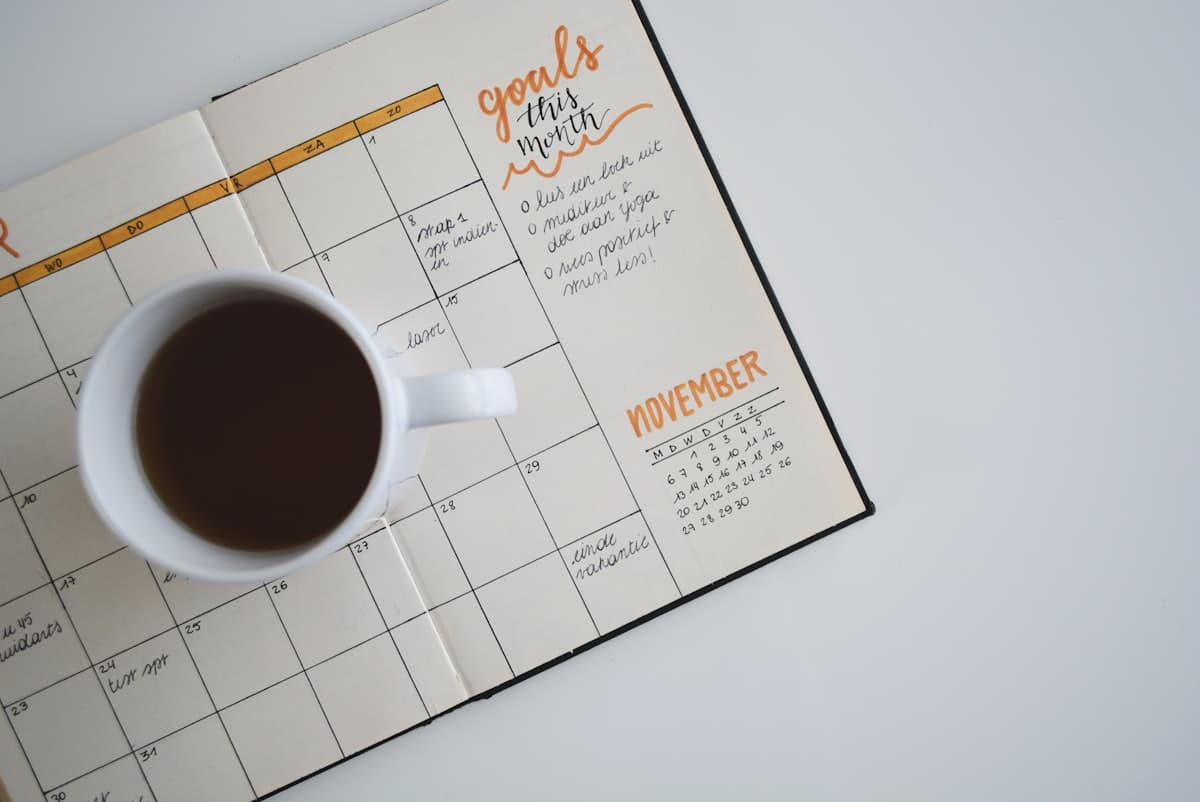
Few things sting like realising you've missed an appointment — a wasted booking fee, weeks waiting for the next opening, or simply letting someone down. And it's rarely because you didn't care; it's because a single reminder fired at the wrong moment, while you were mid-task, and vanished. A reliable system fixes that. Here's how to make forgetting an appointment nearly impossible.
Why one calendar alert isn't enough
The default calendar reminder usually pops up 10 or 15 minutes before — which is both too late to prepare and easy to dismiss if you're busy. Worse, a single alert is a single point of failure: glance away at the wrong second and it's gone, with nothing to catch the miss.
The fix isn't a louder alert; it's a second one, timed differently, so the appointment gets two chances to land in your day.
The two-reminder system
Set one reminder the evening before, so you can plan your day around the appointment — block the time, sort transport, prepare anything you need. Then set a second one for when you actually need to start getting ready or leave, not for the appointment time itself.
That second 'leave now' reminder is the one most people skip, and it's the most important. Knowing you have a 3:00 appointment doesn't help if you don't notice it's 2:30 and you need twenty minutes to get there.
Make the reminders impossible to ignore
A reminder only works if it reaches you. A buried notification competes with everything else on your phone; a ringing call doesn't. ReminderIt places a real voice call the day before and an hour ahead, reading out where you need to be — far harder to overlook, with a WhatsApp follow-up if you can't pick up.
Let your calendar do the data entry
If you already keep appointments in Google, Apple, or Outlook calendar, you don't need to retype them. Connect the calendar once and ReminderIt can turn those events into reminder calls automatically. For standing appointments — weekly therapy, a monthly check-up — set a recurring reminder once and it fires for every occurrence, on the right day, at the right local time.
Put it to work
More articles
Reminders that actually reach you
A real phone call at the moment that matters — with a WhatsApp message if you miss it.
Get started freeNew to call-based reminders? Read the complete guide to reminders that actually work.